Getting Started
OCTAVE runs on Windows, macOS, and Linux. Pick the install method that fits.
Download
| Platform | File | Notes |
|---|---|---|
| Windows | octave-x.x.x-setup.exe | NSIS installer. SmartScreen may warn on first launch — click More info → Run anyway. |
| macOS | octave-x.x.x.dmg | Right-click the app and choose Open the first time so Gatekeeper accepts the unsigned bundle. |
| Linux | octave-x.x.x.AppImage | chmod +x octave-*.AppImage && ./octave-*.AppImage |
All releases live on the GitHub Releases page.
Build from source
If you'd rather compile locally:
bash
git clone https://github.com/opria123/octave.git
cd octave
npm install
npm run dev          # hot-reloading dev build
npm run build:win    # or build:mac / build:linux for an installer
You'll need Node.js 18+ and npm. Python is not required for editing — only for the optional Auto-Chart feature.
First launch
- Launch OCTAVE.
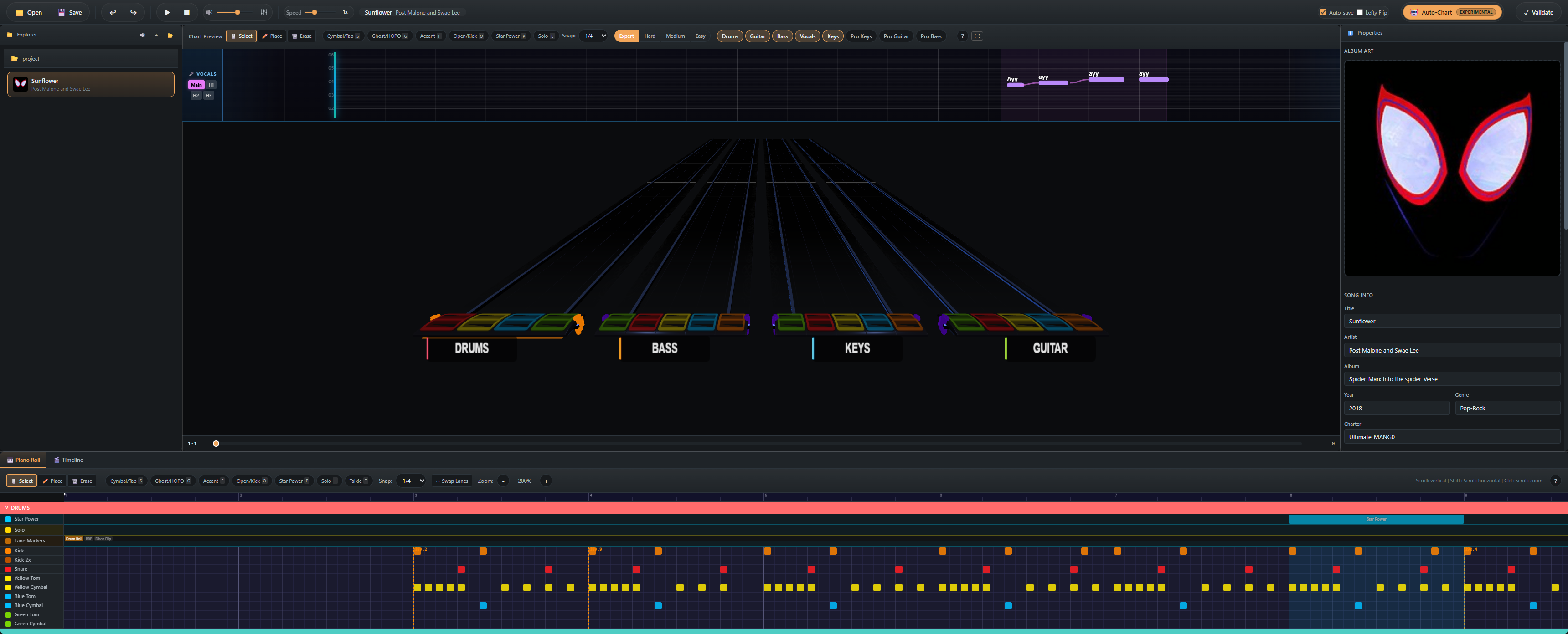
- The first time you start it, you'll see the Setup Modal — pick your output directory for new projects (or skip and set it later in Settings).
- Click File → Open Folder (or drag a folder onto the window).
- Choose a folder that contains a
notes.mid/notes.chartplus audio files (song.ogg,drums.ogg,guitar.ogg, etc.). - The folder appears in the Project Explorer on the left. Click any song to load it into the editor.
Don't have a chart yet? Use Auto-Chart to generate one from an audio file or YouTube URL.
Editor layout
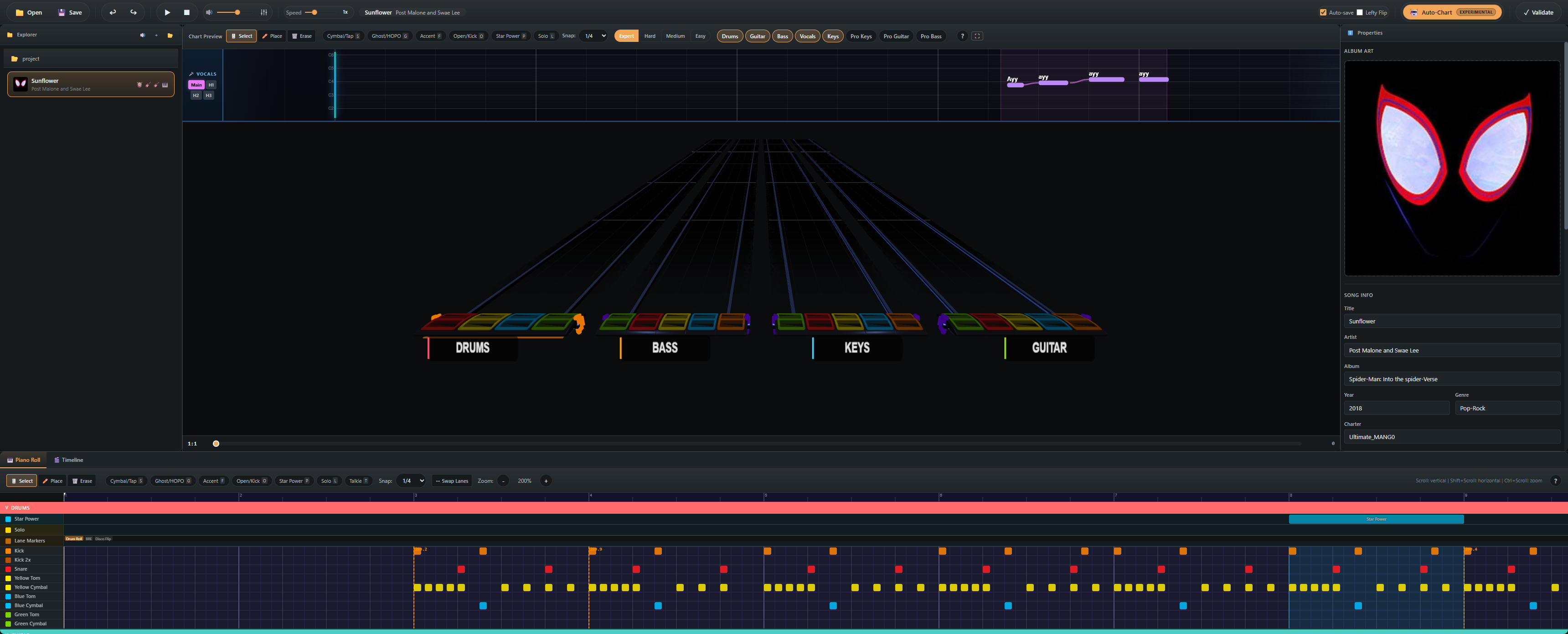
| Area | Purpose |
|---|---|
| Toolbar | Playback, save/export, editing tools, snap division, stems mixer, auto-chart |
| Project Explorer (left) | Song browser with album art thumbnails and dirty-state indicators |
| MIDI Editor (center) | 2D canvas piano roll — one lane per instrument, beat grid, snap quantization |
| Chart Preview (right) | Three.js 3D highway — exactly what the chart looks like in-game |
| Property Panel | Note inspector, song metadata, tempo / time signature editor |
| Bottom Panel | Audio waveform, video sync, lyric editor (depending on selected tab) |
See the Editor Layout guide for an annotated walkthrough.